How to Download a Teams Meeting Transcript (and What If You Can't)
Download a Teams meeting transcript as .docx or .vtt from the Recap tab. Who can download it, what to do when it's greyed out, and how to get text from the MP4.
By Serhii MaysonPublished 6 min read

In Teams, open the meeting chat, select Recap, then Transcript, and choose Download as .docx or .vtt. By default only the organizer and co-organizers can download it. Other attendees from the organizer's organization can still read it in Recap. If no transcript exists, upload the MP4 recording to a transcription tool instead.
Only have the MP4? Get the text here
The steps and permissions below follow Microsoft's support pages, checked on November 3, 2026. Menu names change between Teams versions, so if a step looks different, the linked page has the current wording.
Where does Teams keep the meeting transcript?
A Teams transcript isn't part of the video. It's a separate file that Teams saves with the meeting, and you can reach it in three places:
- The meeting chat. Open it, then select Recap and Transcript. This is where the Download button is.
- Your Teams calendar. Microsoft says the transcript is in the calendar event as soon as the meeting ends. Open the event, then select Recap.
- The organizer's OneDrive. Microsoft Support says the transcript is stored in the meeting organizer's OneDrive for Business. For a channel meeting, the recording and its transcript sit in the channel's SharePoint site instead.
How long it stays there depends on your organization. Microsoft's support page says the transcript is kept until the organizer deletes it. But Microsoft's admin guide says that when the auto-expire setting is on, new meeting recordings and transcripts expire after 120 days by default (A1 licences allow 30 days at most). Admins can change that, and expired files go to the recycle bin first. If you'll need the transcript later, download it soon after the meeting.
How to download a Teams transcript on desktop
- Select Chat in Teams.
- Open the past meeting chat, or open the meeting from your Calendar.
- Select Recap, then Transcript.
- Select the dropdown arrow next to Download and choose .docx or .vtt.
There's a second route if the meeting was recorded and you can edit the recording (organizers and co-organizers can). Open the recording in OneDrive or SharePoint and go to Video settings. Expand Transcript and captions, select the ... menu next to the transcript and choose Download. Microsoft's video player help says this gives you a WebVTT (.vtt) file and needs edit permission on the video. Use it when you downloaded the MP4 and the transcript didn't come with it.
Can you download it on the web or on your phone?
- Teams on the web. Microsoft's page gives the steps for the desktop app and doesn't mention the browser version. Try the same Chat, Recap, Transcript path in your browser. If there's no Download option, use the desktop app.
- Teams mobile app. You can read the transcript after the meeting: tap Chat, open the past meeting chat, find the Meeting ended message and tap Transcript. Microsoft describes viewing only, not downloading, on mobile, so download the file from a computer.
Who can download a Teams transcript?
Who can download a Teams transcript (Microsoft default, checked Nov 2026)
| Who you are | Read it after the meeting? | Download it? | What to do |
|---|---|---|---|
| Organizer or co-organizer | Yes | Yes, as .docx or .vtt | Recap > Transcript > Download |
| Attendee from the organizer's organization | Yes, in Recap | No, unless the organizer allows it in Stream | Ask the organizer |
| Attendee from another organization | No (only live, during the meeting) | No | Ask the organizer to send the file |
| Anonymous attendee | No | No | Ask the organizer to send the file |
| Joined by phone (dial-in) | No: Microsoft says people who call in can't view it | No | Ask the organizer to send the file |
| You only have the MP4 recording | No need | No need | Upload the MP4 to a transcription tool |
Your IT admin can tighten these defaults, and the organizer can change them person by person.
Download greyed out? Ask the organizer or IT
When Download is missing or greyed out, Teams is usually working as it was set up, not broken. The common reasons:
- You aren't the organizer or a co-organizer. By default, everyone else can read the transcript but not download it.
- The organizer limited your access. Organizers manage who can view, edit and download a transcript, and one of the options is Can't download.
- Your company blocks downloads. Admins can block downloads of meeting recordings and transcripts across the organization, so people can only view them in the browser (Microsoft Learn).
- You're on your phone. Microsoft doesn't describe a download option in the mobile app.
- The transcript expired or was deleted. See the 120-day note above.
Copying is a separate setting. Microsoft lets admins give organizers a way to stop participants from copying or forwarding transcripts inside Teams. So you may be able to read the text but not copy it.
What to do:
- Ask the organizer to download the .docx and send it, or to give you access. Microsoft Support gives the organizer's steps: OneDrive > My files > Recordings, then More actions > Manage access > Grant access. They add your name and pick a permission. IT policy may hide some options.
- Ask IT if the organizer can't change it. The block may be a company-wide policy.
Don't hunt for a workaround, such as a browser extension that scrapes the page. A download block is the organizer's or your company's decision, and getting around it can break company policy. A one-line message is often enough: "Could you send me the transcript or the recording from Tuesday's meeting?"
No transcript, only the MP4? Upload it
Sometimes Recap has a recording but no transcript. Microsoft says transcription starts automatically when you record a meeting. That holds only if your organization's meeting policy allows transcription for both the organizer and the person who started the recording. If it doesn't, the recording has no transcript file. Microsoft also notes that when an organizer turns off Copilot for a meeting, recording and transcription are off too.
The MP4 still has the whole conversation. There are two ways to get the text:
- Microsoft's own player. If you own the recording or can edit it, open it in OneDrive or SharePoint, go to Video settings and select Generate. Microsoft supports this for videos under 4 hours, in the languages it lists, and an admin may turn it off.
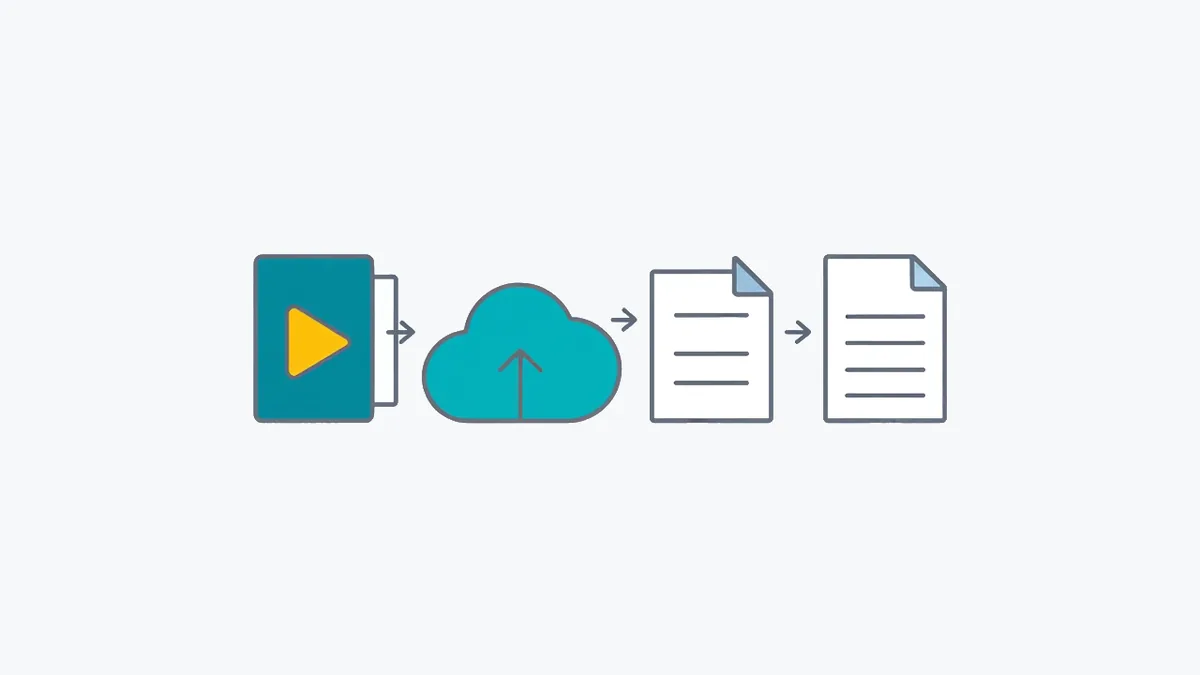
- Upload the MP4. To convert the Teams recording to text outside Microsoft's tools, download the MP4 and upload it to TranscribTxt. Microsoft puts a one-hour Teams recording at about 400 MB, and TranscribTxt takes files up to 2 GB. The first 30 minutes are transcribed free while you have a free file left, and the whole recording, up to 3 hours, is $2 once. For several meetings, a $5 Week Pass covers up to 25 hours of audio in 7 days. You can download TXT, SRT and VTT, and a paid file also comes as JSON with word times and Word. In October 2026, half of the uploaded files were transcribed in 14 seconds or less, and a 145-minute recording took 2 minutes 45 seconds. Times don't include uploading, which depends on your connection.
Usually only the organizer and co-organizers can download the MP4, so if you were an attendee, ask them for it. TranscribTxt doesn't label speakers, so add names from the attendee list where they matter. Before your next meeting, read how to record a Teams meeting and turn the transcript on as well.
Should you download .docx or .vtt?
Both files come from the same transcript, which Microsoft says shows timestamps and who was speaking.
- .docx opens in Word or Google Docs and reads like a document. Pick it to read, share or write meeting minutes from the recording.
- .vtt is WebVTT, the caption format: each caption carries a start and end time. Pick it to add captions to the video or to quote exact times. Our guide to what a VTT file is shows how one is built. To turn a .vtt into plain text, drop it into our free timestamp remover.
Using Zoom too? Here's the Zoom version of this guide. For more ways to get text from a Teams call, including starting a live transcript, see how to transcribe a Teams meeting.
We are TranscribTxt (RESTART AI LLC) and aren't affiliated with Microsoft. Microsoft, Teams, OneDrive and SharePoint are trademarks of Microsoft Corporation. Found an error? Write to support@transcribtxt.com and we'll check and fix it.
Get the text of your own recorded meetings with TranscribTxt's tool for Teams recordings.
Try TranscribTxt free
Free for files up to 30 min: your first one needs no account, a free account gets 3 a week. 99 languages.
First 30 min free · the whole file (up to 3 h) US$2
Try it freeFrequently Asked Questions
How do I download a transcript from a Teams meeting?
In Teams, select Chat, open the past meeting chat and select Recap, then Transcript. Use the dropdown next to Download to choose .docx or .vtt. As of November 2026, Microsoft says only the organizer and co-organizers can download it by default. Other attendees from the organizer's organization can read it in Recap but not download it.
Why can't I download the Teams transcript?
Usually because you aren't the organizer or a co-organizer: by default, everyone else can only read it. The organizer may also have set your access to Can't download, or your IT admin may block downloads of meeting recordings and transcripts. On the Teams mobile app, Microsoft describes viewing a transcript, not downloading it. Ask the organizer to send you the .docx or to give you access.
Can I get the Teams transcript if I wasn't in the meeting?
Microsoft's table says people from the organizer's organization can view the transcript after the meeting. It doesn't say whether that includes invitees who didn't join, but invitees from the organizer's organization do get a link to the recording. Open the meeting in your Teams calendar or its chat, then select Recap and Transcript. If there's no transcript, or you need the file, ask the organizer. People from other organizations can't view it after the meeting, so the organizer has to share it with them.
Is the transcript inside the Teams recording?
No. Teams keeps the transcript as a separate file stored with the recording in OneDrive or SharePoint, and shows it in Recap and as captions in the video player. A downloaded MP4 doesn't bring the transcript with it. If transcription was off during the meeting, there is no transcript file at all, only the recording.
How do I get text from a Teams recording with no transcript?
If you own the recording, Microsoft's OneDrive and SharePoint video player can generate a transcript for a video under 4 hours, unless your admin has turned that off (Microsoft notes admins can). Or download the MP4 and upload it to a transcription tool. On TranscribTxt, the first 30 minutes are free while you have a free file left, and the whole recording, up to 3 hours, is $2 once. TranscribTxt doesn't label speakers.